
These third-party Add-Ons are listed here for the convenience of our users, and any listing here is not a recommendation or endorsement of the plugin's fitness or suitability for any purpose. Visit the developer's website to purchase or download this third-party add-on.
This plugin is supported by the developer on their site. We do not provide direct support for this add-on.
Add-On Description
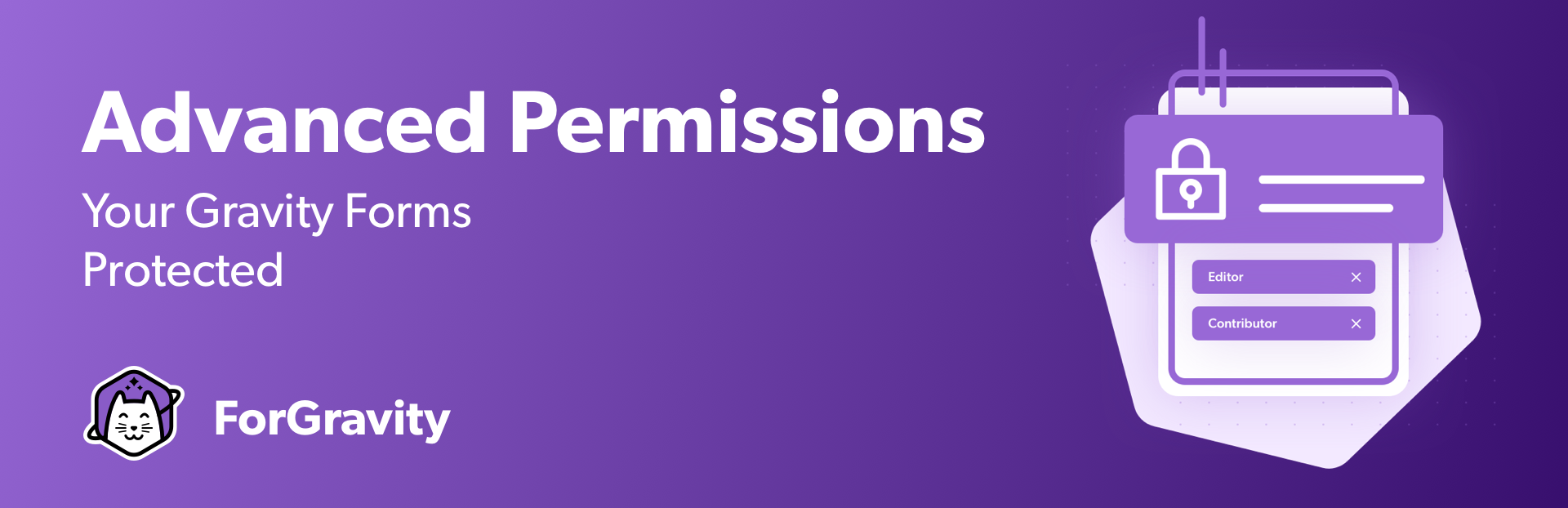
Restrict access to every field and every setting on a form by form basis. Sensitive data protected, allow access to only the fields needed to be seen by your staff, classmates, or editors quickly and easily.
Prevent clients from breaking complex form setups by restricting access to form settings.
WordPress user role compatible and an entirely granular permissions system.
Advanced Permissions gives you the comfort of knowing your form is protected.
Secure Your Site: Lock Down Important Data
Lockout users from viewing and accessing Gravity Forms form entries. Preventing unwanted users from seeing your sensitive data.
WordPress User Role Compatibility
Advanced Permissions supports WordPress User Roles out the box, allowing you to specify which user roles do and don't have access to your Gravity Forms settings, fields, and entries.
Hassle-Free Transfers Between Sites
Whether you're moving sites or want to replicate your forms on a new website, all permission rulesets are included when exporting your form — saving you time from repeatedly setting up permissions on each site.